The screen you already have
A computer, tablet or phone becomes a QRT display without a QLab installation.
QLab cues in a web browser
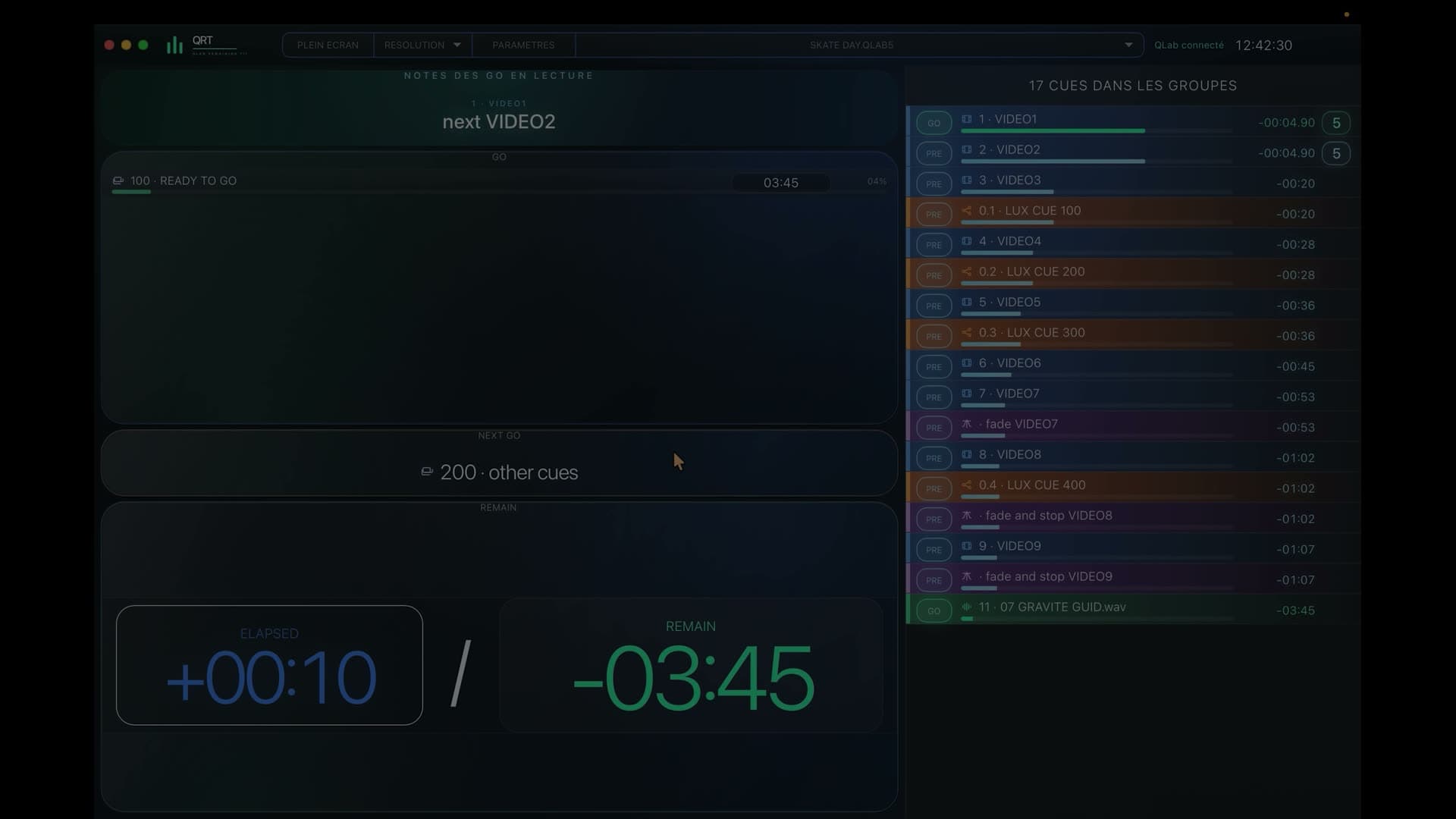
QRT shares show views in the browser of a Mac, PC, iPad, tablet or phone.

7-day free trialOne-time purchase · no subscription
In a nutshell
From the show Mac, QRT shares read-only views over Wi‑Fi that every device opens directly in its browser.
During the show
A computer, tablet or phone becomes a QRT display without a QLab installation.
Stage, sound, lighting and video can follow different profiles at the same time.
Information travels over the production’s local network without a public cloud service.
Browsers follow the workspace while controls remain on the QLab Mac.
From the QLab Mac to the whole team
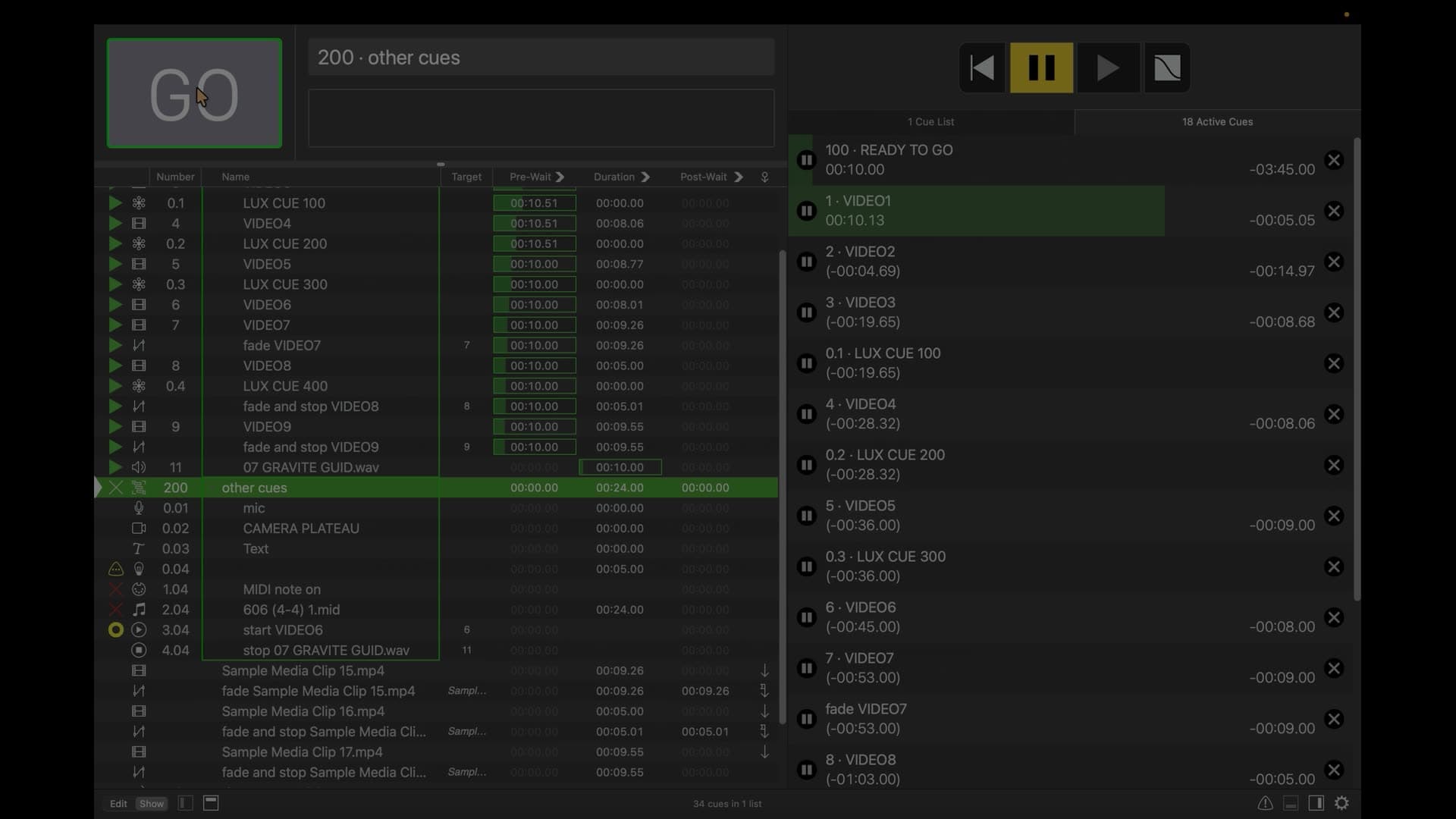
The Wi‑Fi router connects QRT to the team’s devices while a video output can still feed a dedicated remote display.
A stage tablet can prepare upcoming calls while a video PC follows its media and a phone keeps the overall show in view.
Teams open their QRT view on the device they already use and find an interface designed to stay clear during the show.
Before you try it
Yes: the iPad opens the QRT view in its browser on the show network.
No: QRT runs on the source Mac and other devices simply use their browser.
Yes: Wi‑Fi sharing and an HDMI, DisplayPort or USB‑C video output can be used together.
QRT · QLab 5
Try QRT free for 7 days on the computers, tablets and phones in your production.