The thread of the show stays in view
The current action, timing and what follows remain visible without drawing your attention away from the show.
QRT for QLab 5
The right information, at the right position, at the right time.
QRT delivers useful information to general control, sound, lighting, video and stage management, as well as to any specialist position through custom profiles. Views open on Mac, PC, tablet or phone in any web browser on the dedicated network, or on a remote external display.
 7-day free trial · €24.99 one-time purchase in France · no subscription.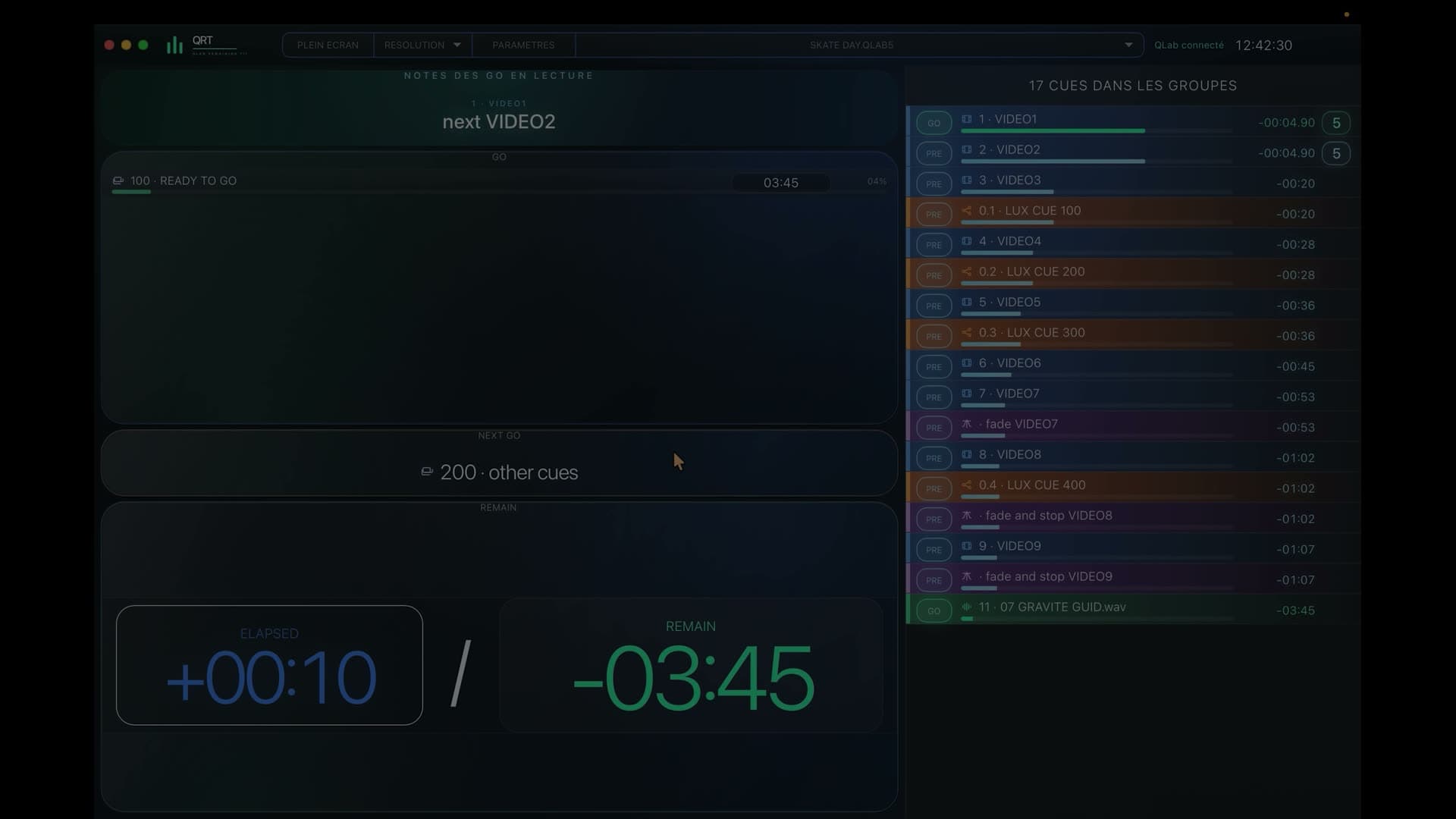
QLab workflows
During the show
QRT keeps general control, sound, lighting, video and stage management in step, with a view designed for every role and enough context to anticipate the next move.
Always there in support
The current action, timing and what follows remain visible without drawing your attention away from the show.
Upcoming calls appear early enough for every team to prepare.
Even complex sequences and nested groups remain easy to follow.
Sound, lighting, video and stage management each see what concerns them.
Create views that match your team, your spaces and your language.
Mac, PC, tablet, phone and remote displays all become windows onto the show.
One workspace, many roles
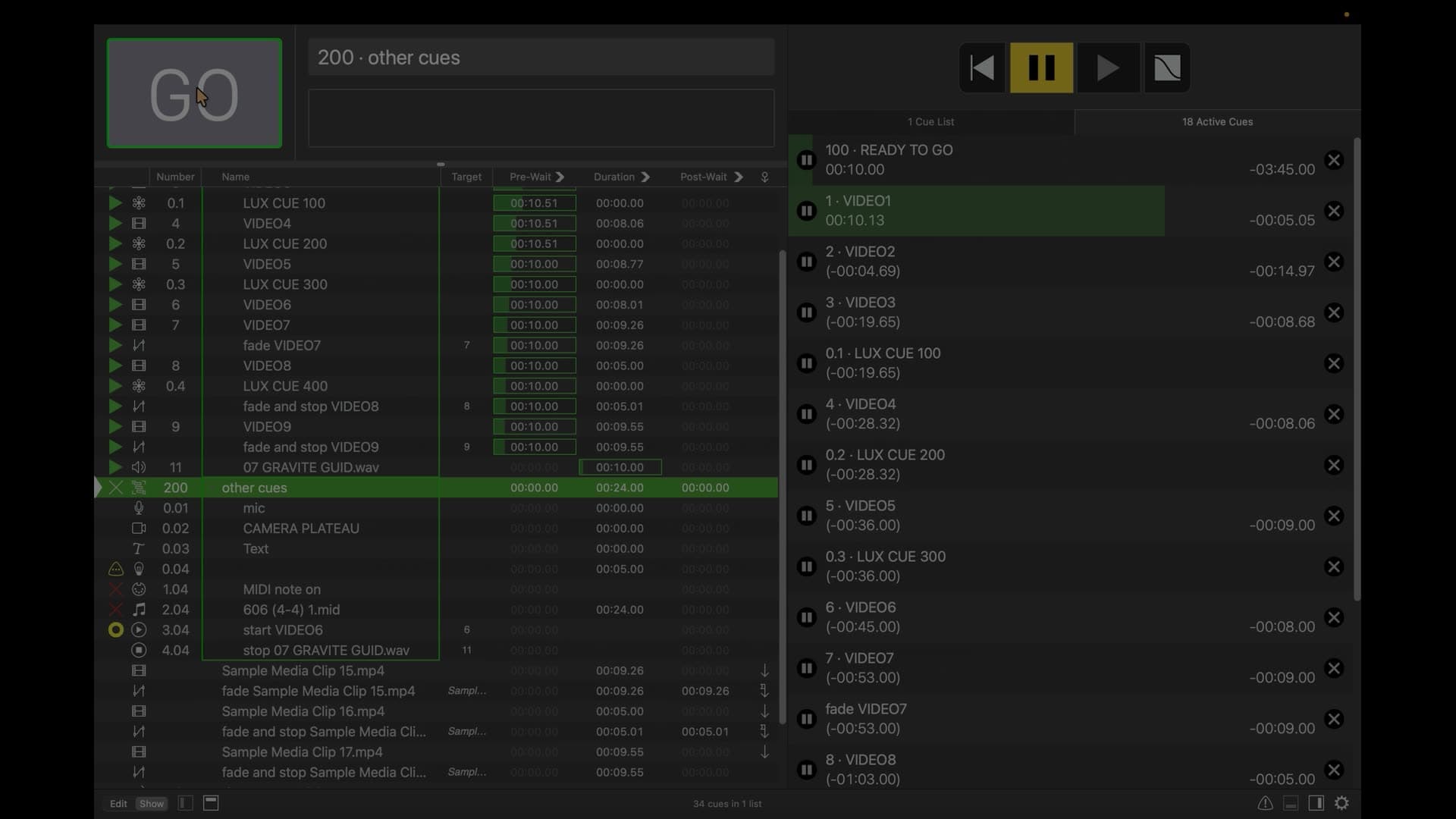
QRT follows the full richness of your QLab workspace and gives every profile a view that brings what matters to the foreground.
Keeps the whole show in view.
Follows the starts and timing that matter to sound.
Anticipates changes and upcoming lighting calls.
Brings media and video starts into immediate view.
Prepares entrances, changes and stage calls.
Shape QRT around your teams, spaces and language.
Setup
Available on the Mac App Store
Enjoy a 7-day free trial, then choose the €24.99 one-time purchase in France, with no extra account and no subscription.
7-day free trial · €24.99 one-time purchase in France · no subscription.Compatibility
License
FAQ
No: QLab runs the show, while QRT gives the whole team a clear view of it.
The show Mac, a remote video display, or the browser of a Mac, PC, tablet or phone.
Yes: several screens can display different role-specific views at the same time.
Yes: QRT follows sequences and nested groups to keep the workspace clear and coherent.
No: QRT informs the team while control remains entirely inside QLab.
Internet is used to download QRT from the Mac App Store; during the show, QRT and QLab work locally.
Yes: the Mac App Store version includes 7 days of trial from QRT’s first connection to QLab.
No: QRT is independent software with no affiliation to Figure 53, LLC, owner of the QLab trademark.
With QRT, the whole team follows the QLab workspace through a view that fits their role and keeps them one step ahead.
7-day free trial · €24.99 one-time purchase in France · no subscription.A step-by-step guide with a table of contents and screenshots, to read online or keep at hand.
QRT screenshots are in French in both editions.
Field feedback
Share your experience from a real production.